
← Back to Help 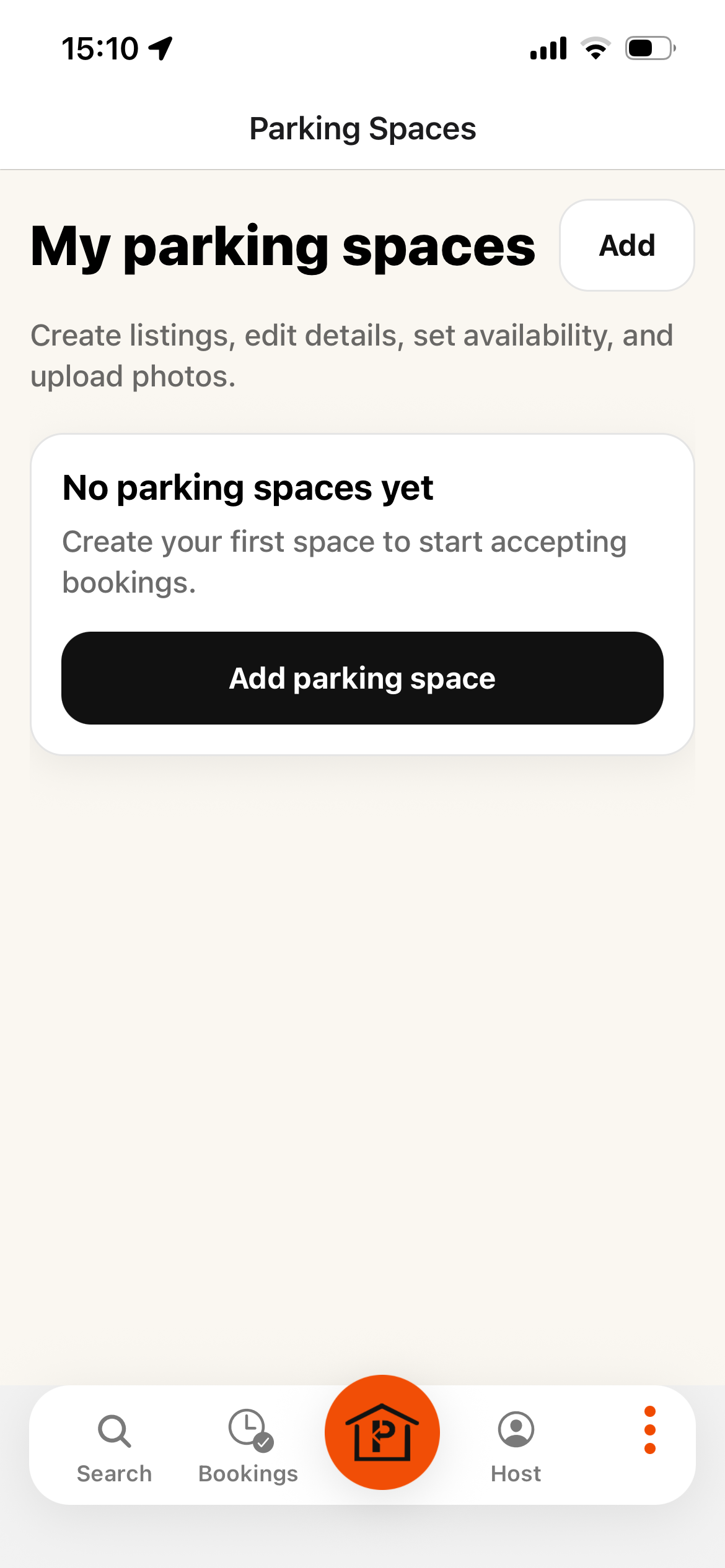
Step 1: Add Parking Space 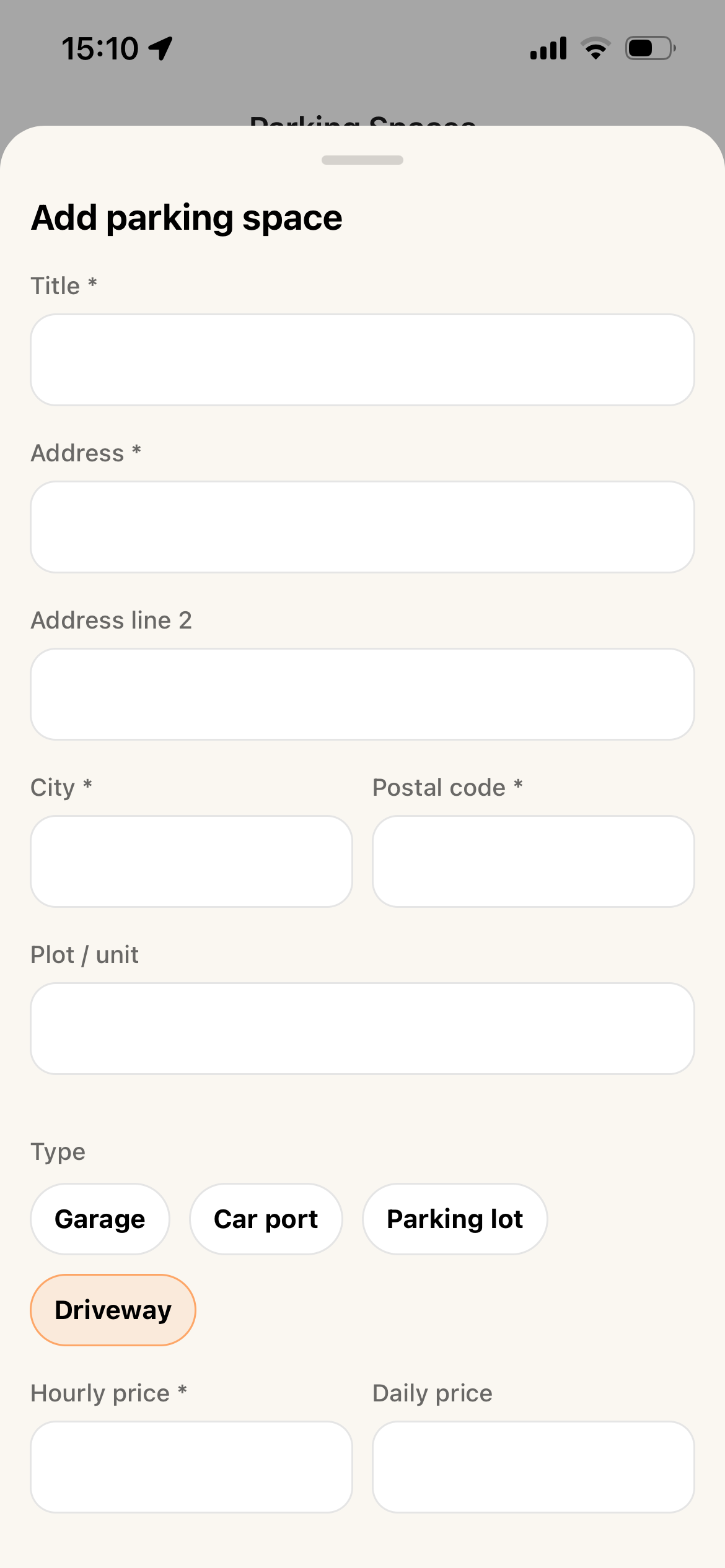
Step 2: Fill in Parking space details 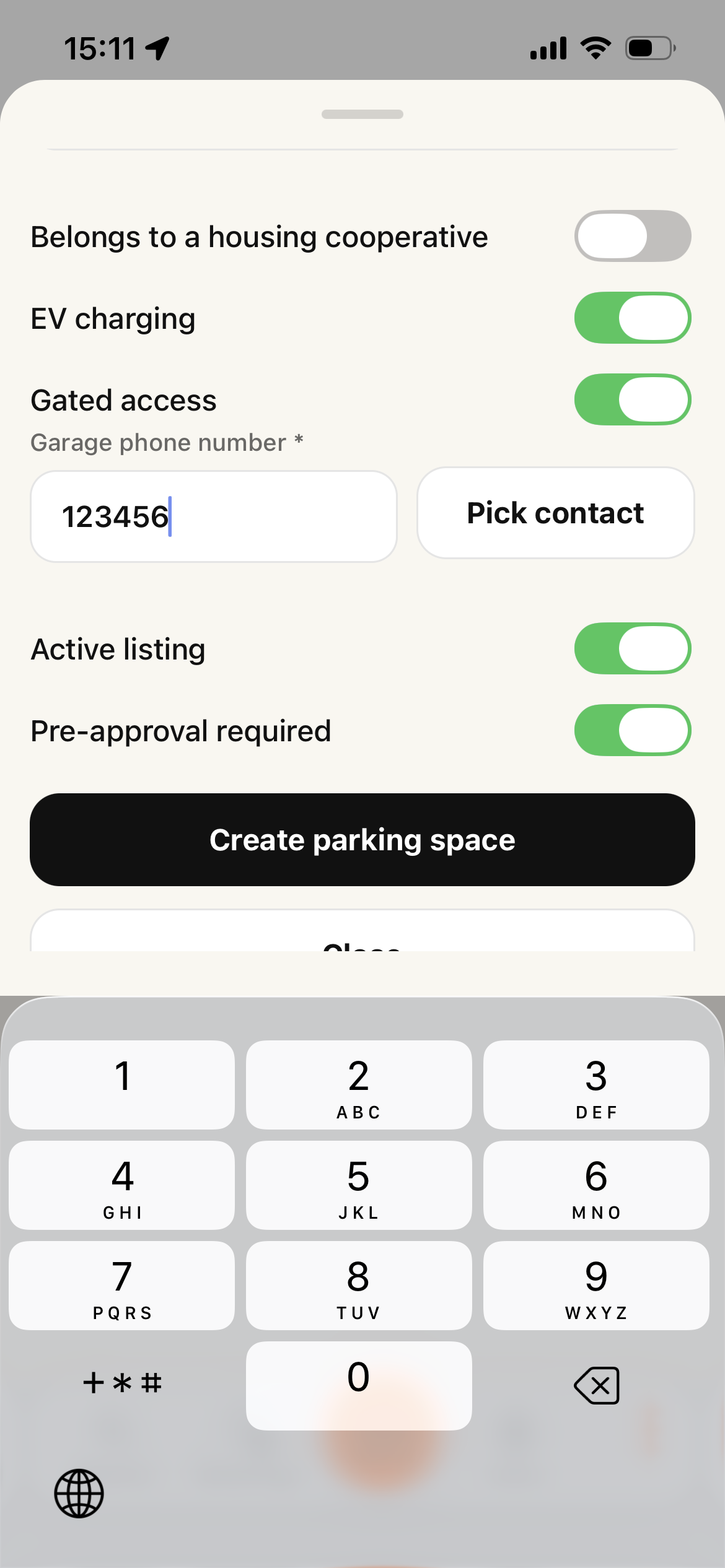
Step 3: Enter parking space properties 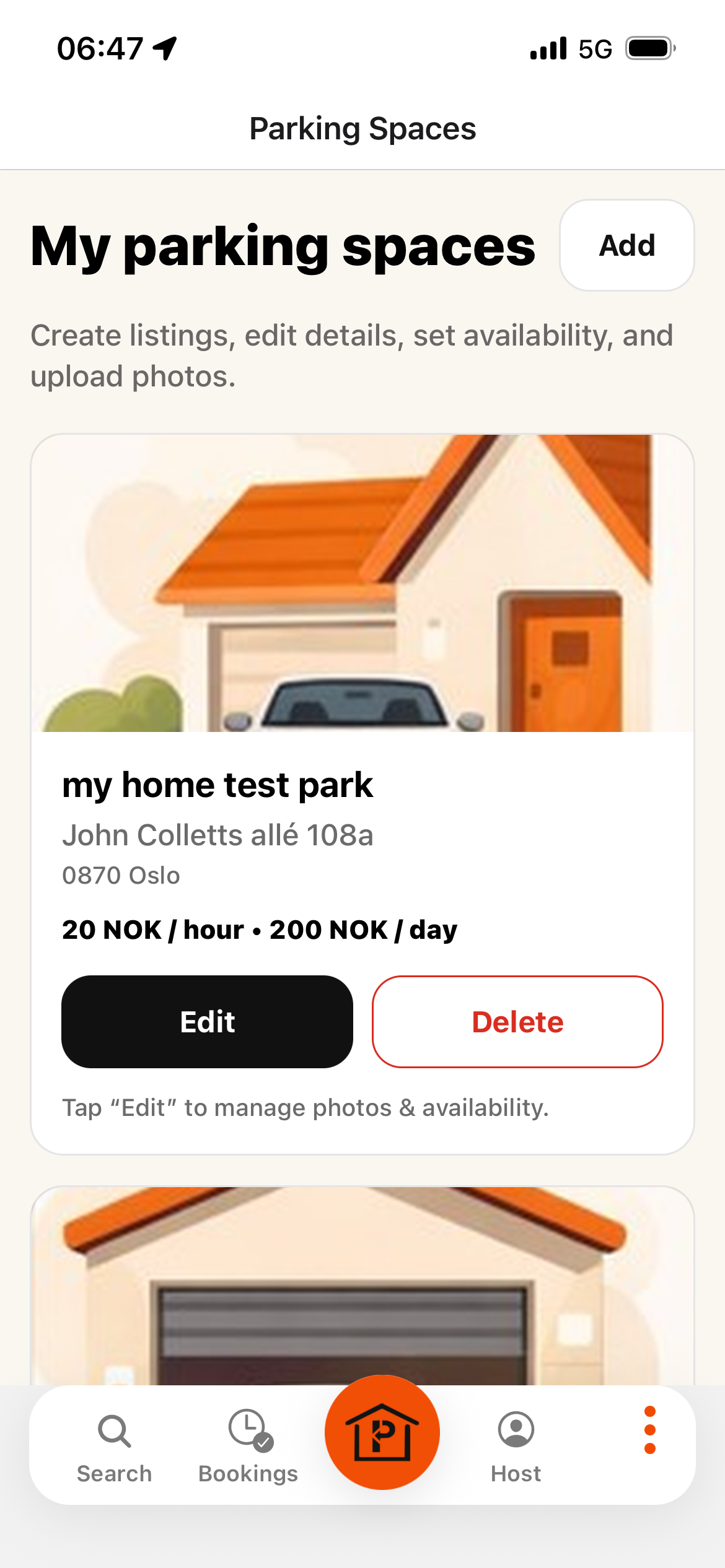
Step 4: Edit space & set availability 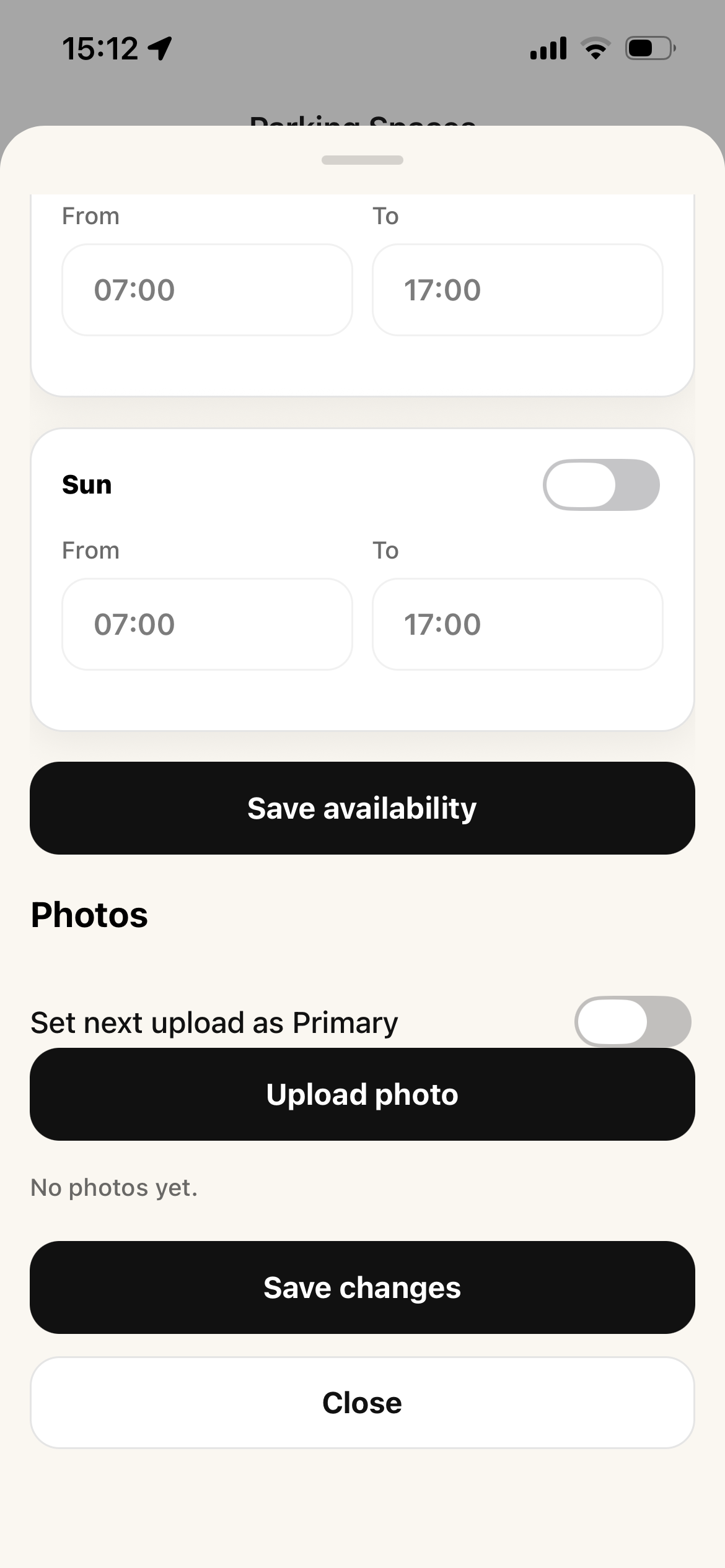
Step 4: Upload photos 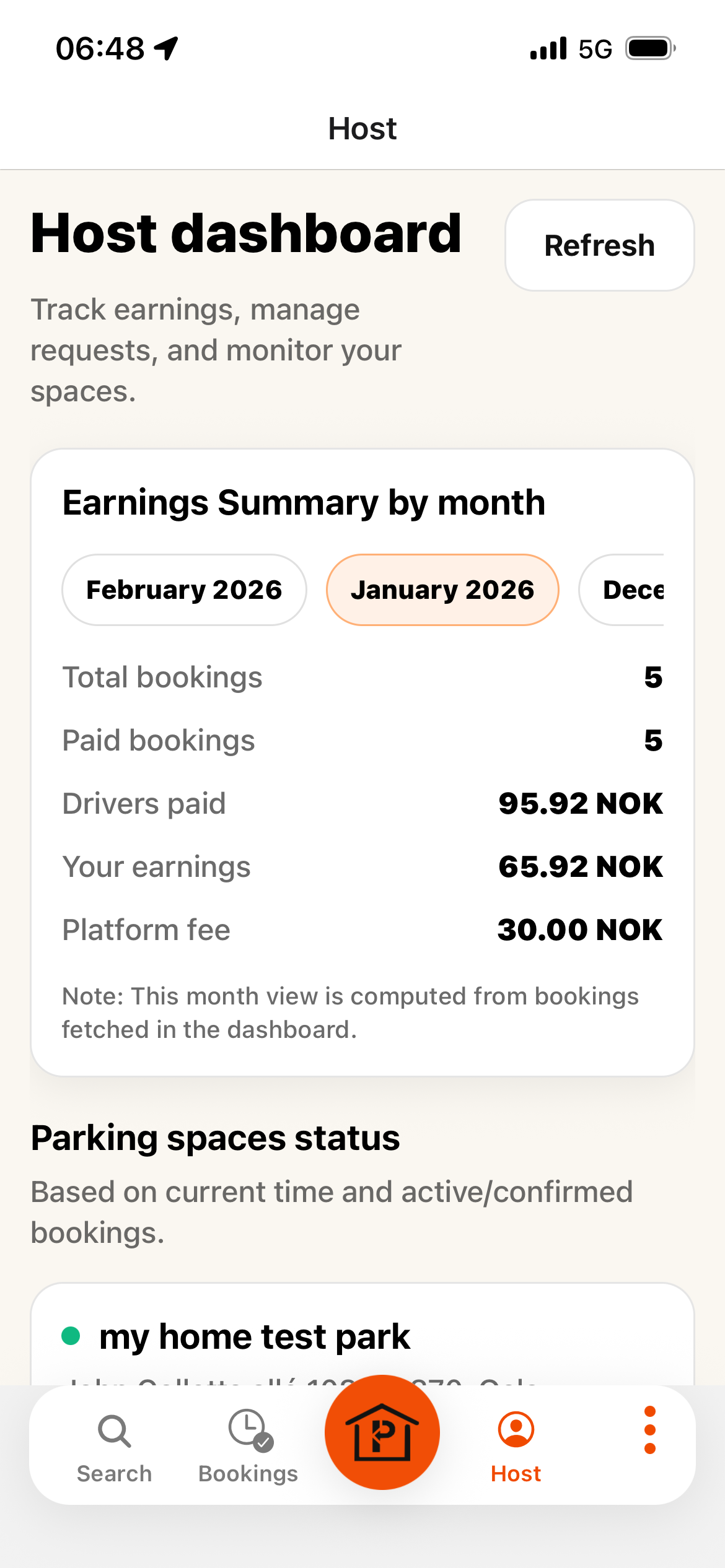
Step 5: View status and earning summary
Host Guide: Listing Your Space
Add your parking space, configure rules, availability, and track status & earnings.
1. Add a parking space
Go to My Parking Spaces and press “Add parking space”.
2. Fill in parking space details
Fill in details such as name, address, hourly price, daily price, and other required properties.
3. Configure properties and rules
From Properties, you can configure access details and rental rules.
- 3.1 Add the garage access phone number if the space is gated.
- 3.2 Enable pre-approval if you want all rental requests to come to you first for approval/decline.
- 3.3 Link your parking space to your housing cooperative (Borettslag) and choose restrictions (residents only or open to all).
4. Edit your space: availability and photos
Edit the parking space, set availability, and upload photos to improve bookings.
5. Track status and earnings
Use the Host dashboard to view your parking spots status and earnings summary.