← Back to Help 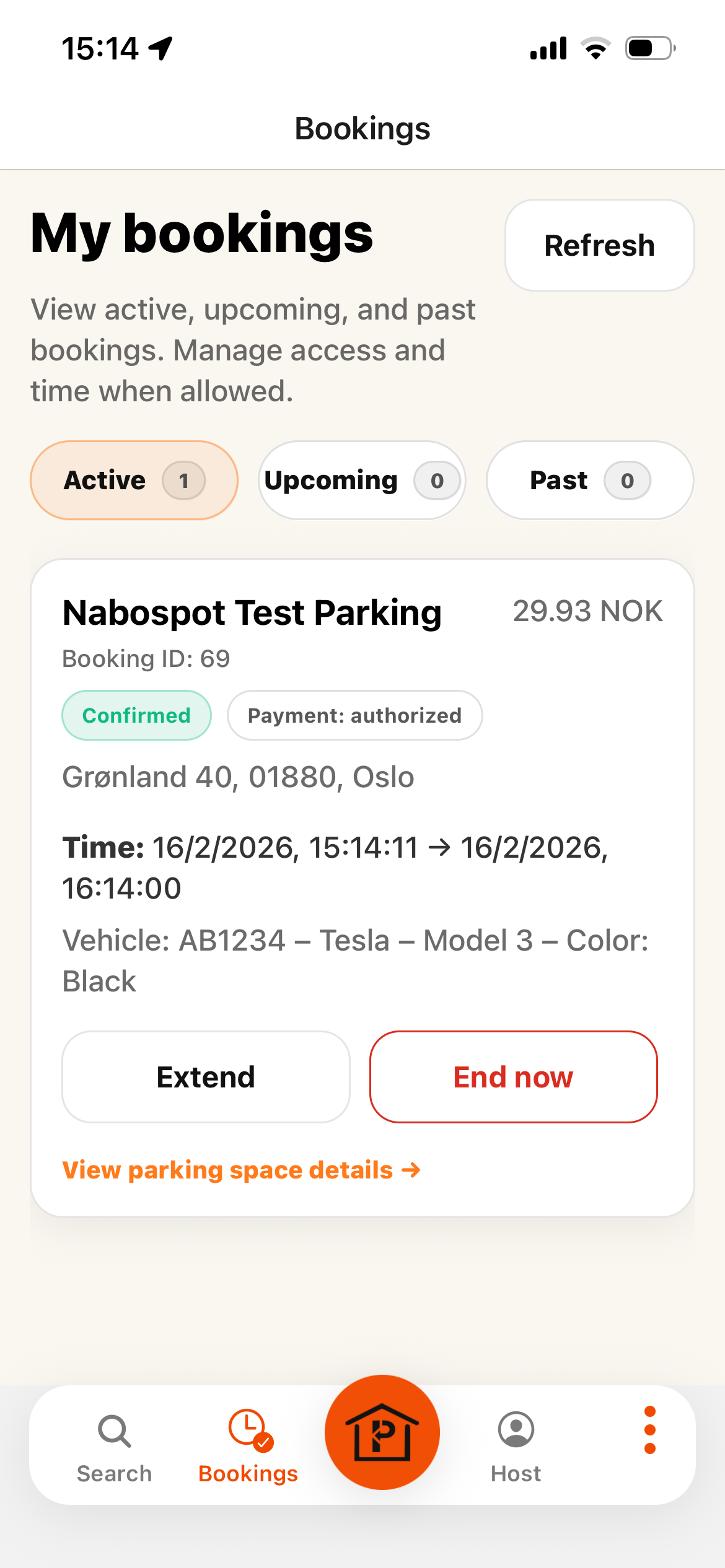
Step 1: View your active, upcoming and past booking 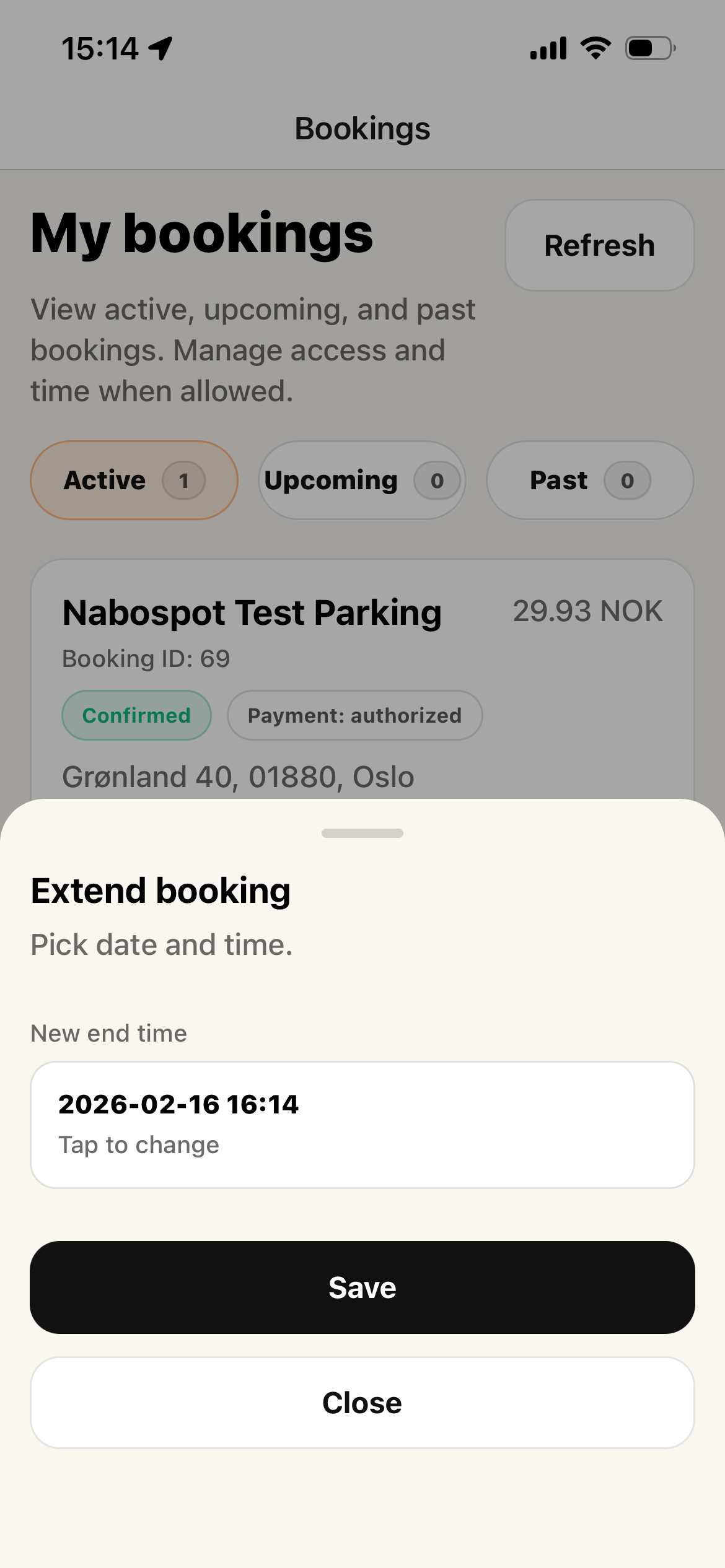
Step 2: Extend or End your active booking
Managing Your Bookings
View, update, and manage your bookings directly in the NaboSpot app.
- 1. Go to MyBookings page and view your active, upcoming, and past bookings.
- 2. You can extend or end your active booking directly from the booking screen.
- 3. If the parking spot is gated, you can send a gate open request to the host.